Social
media are the platforms, precisely applications, and websites that
use the internet and electronic gadgets to bring people together and
interact with each other without physically being together. Such
interactions lead to the sharing of ideas, knowledge, opinions and
definitely the awareness about recent trends and events.

Privacy,
a fundamental right refers to a state of being free from public
attention. Privacy and internet have an inverse relation, before the
invention of internet which is basically the driving force of social
media, the only means to know about a person’s well being were
phone calls, letters and meeting in person.
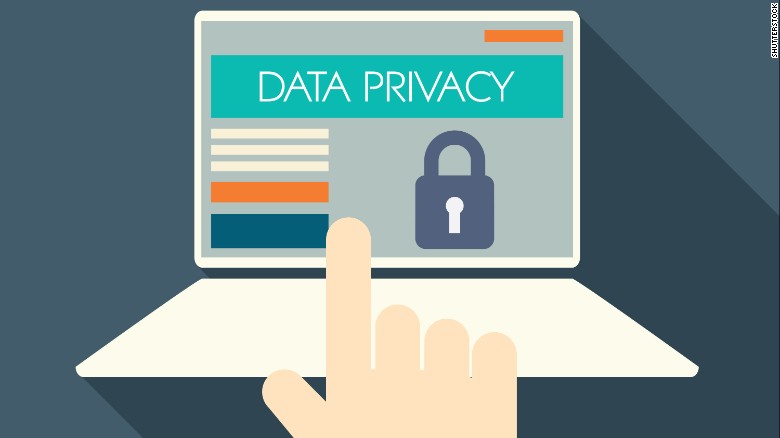
Now the tables have turned, a person does that using social media, no interaction is required. People are posting their every activity on social media eating a pizza, attending a marriage, studying, everything is on Instagram, Facebook, Twitter, and WhatsApp. So, as the internet and hence social media penetrates the masses, the extent of privacy goes down.
Now the tables have turned, a person does that using social media, no interaction is required. People are posting their every activity on social media eating a pizza, attending a marriage, studying, everything is on Instagram, Facebook, Twitter, and WhatsApp. So, as the internet and hence social media penetrates the masses, the extent of privacy goes down.

Similarly,
platforms like YouTube, Quora are used to spread educational content
but there are some social evils who are propagating disinformation
using the same. What was created just for sending SMS has now been
transformed into “WhatsApp University”, disinformation, false
news, rumors are being spread using this.

One
can’t predict the consequences of such practices because it is the
first-time people are being exposed to the internet to such an extent.
If it turns “radioactive”, then results could be “cancerous”.
To take down these problems one-shot solution is unlikely to work,
rather a series of steps would be more effective. These include:
- Educating people about fake news.
- Using artificial intelligence for filtering the content.
- Provisions to track and trace the origin of contents in grave situations.
- Data localization to reduce the time taken to solve such cases.
It
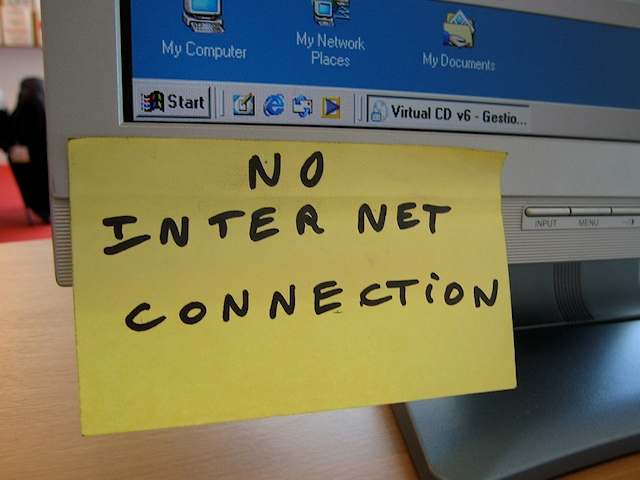
should be noted that the ham-handed method like internet blackout is
not the solution as even though it might prevent the spread of fake
news, it can also create a blockade in crucial scenarios like
disasters, calamities, etc., where the only source for reaching out
to help is social media. Total internet shutdowns might appear as a
powerful tool but it is no less than a method to snatch a modern
human’s internet access, the fundamental right of the future.
Comments
Post a Comment